
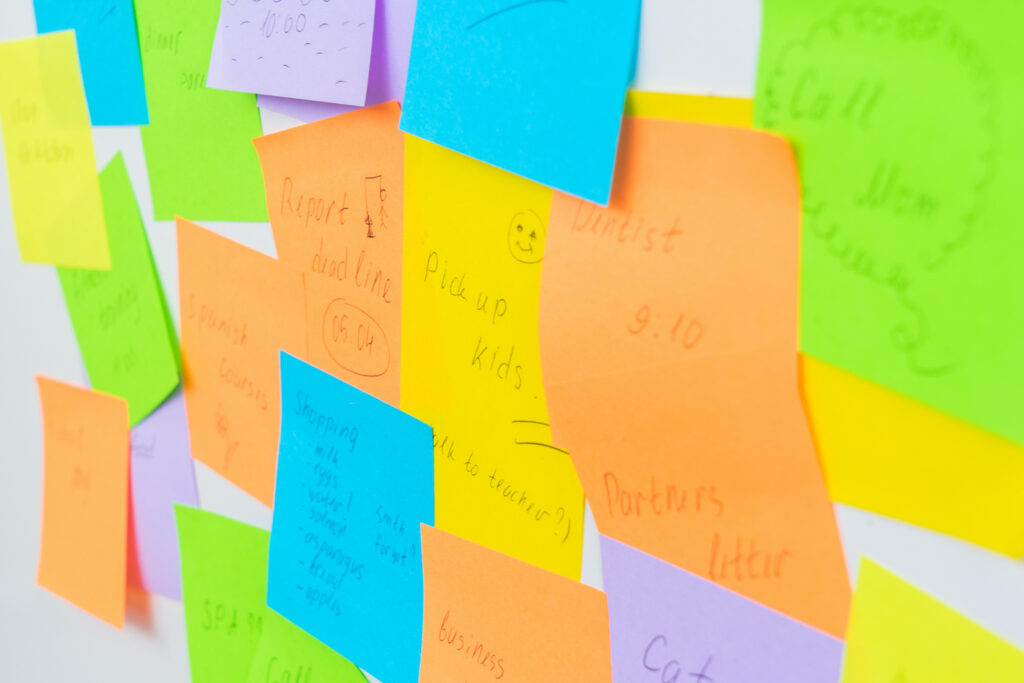
Everyone forgets things now and then, whether it’s a doctor’s appointment, a friend’s birthday, or the weekly grocery run. Life gets busy, and details slip through the cracks. Thankfully, your smartphone can act like a personal assistant, helping you remember what matters most. With just a few simple tools, you can keep track of appointments, tasks, and important dates, freeing your mind from stress and ensuring nothing important is overlooked.
Simple Reminders
Most smartphones come with built-in reminder apps, like Reminders on iPhone or Google Keep and Google Tasks on Android. These apps allow you to create quick, easy-to-set alerts for everyday tasks. For example, you can set a reminder to “Take bins out,” “Call a friend,” or “Pay the power bill.” You can even schedule recurring reminders for weekly or monthly tasks. The key is consistency: once you start using reminders regularly, they become part of your daily routine and make life feel far more manageable.
How to set reminders:
- Reminders on iPhone: Open the Reminders app, tap “New Reminder,” type your task, choose a date and time, and tap “Add.” You can also assign a priority or add a location-based alert.
- Google Keep on Android: Open Keep, tap the + to create a note, then tap the “Reminder” icon. Select a time or place for the reminder, and tap “Save.”
- Google Tasks on Android: Open Tasks, tap “Add a task,” enter the task name, set a date and time if needed, and tap “Save.” You can also add details or subtasks for larger tasks.
Calendar Magic
Digital calendars are more than just date trackers. Enter appointments, colour-code events by category, and sync your calendar with other apps or services. Many doctors’ offices, community clubs, or volunteer organisations send calendar invites — you can accept these directly, and they’ll appear automatically in your schedule. Colour-coding helps you quickly identify different types of commitments, like medical, social, or household tasks. With a clear overview, you can plan your week efficiently and reduce the chance of missing anything important.
Voice-Activated Reminders
Voice assistants like Siri, Google Assistant, or Alexa make reminders even easier. Simply activate your assistant and say, “Remind me to take my medication at 9 a.m.,” and your device will take care of the rest. No typing, no fuss — just speak and forget, knowing the assistant has got it covered. Voice reminders are especially useful when you’re on the go, cooking, or otherwise occupied, allowing you to stay organised without interrupting your day.
Everyday Benefits
Mastering reminders and calendars brings practical benefits to daily life. You maintain independence by managing your own schedule, reduce stress by offloading mental clutter, and ensure you keep commitments without last-minute panic. Over time, these tools help you feel more in control, confident, and ready to embrace social, medical, and household responsibilities with ease.
Experiment with reminders and calendar tools to find a routine that works for you. Start small — set a few simple alerts and see how it feels. Over time, these digital aids will become an indispensable part of your life. Next up, we’ll explore camera tricks for everyday life, showing how your smartphone can simplify even more daily tasks.